
Best Antivirus Software of 2026
A technical guide to navigating the complex world of cybersecurity, focusing on resource-light protection and real-world threat mitigation.
Introduction
The days of simple virus-scanning are over. Modern threats like ransomware, zero-day exploits, and sophisticated phishing campaigns require more than just a list of "bad files" to keep your data safe. Today, an effective antivirus acts as a proactive shield, using behavioral analysis to stop threats before they even have a name. However, the biggest pain point for most users remains "system bloat" - the fear that security software will slow down your gaming rig or office laptop until it's unusable.
When shopping for a suite, you are looking for a balance between "Detection Rate" (how good it is at finding bad stuff) and "System Impact" (how much it eats your RAM and CPU). We have moved past the era of intrusive pop-ups and complicated setup menus. The best tools now operate silently in the background, utilizing cloud-based processing to handle the heavy lifting without draining your local hardware resources.
Our expert selection focuses on products that provide verifiable multi-layered defense. This means protecting not just your files, but your webcam, your microphone, and your network traffic. Whether you are a casual web-browser or a high-stakes professional handling sensitive financial data, these picks represent the peak of current consumer cybersecurity technology.
Best Overall Protection: Bitdefender Total Security

Bitdefender Total Security consistently tops independent lab tests from AV-Test and AV-Comparatives because of its multi-layered approach to ransomware. It doesn't just look for specific viruses; it monitors the behavior of every active process on your PC. If a program suddenly starts encrypting files - a hallmark of ransomware - Bitdefender intercepts the process and automatically restores your files from a clean, hidden backup. This is a game-changer for anyone who worries about losing years of family photos or work documents to a single bad click.
Technically, Bitdefender stands out with its "Photon" technology. This adaptive hardware and software optimization system learns how you use your computer to adjust its scan patterns. It minimizes the performance impact on your CPU, which means you won't experience that frustrating stuttering during video calls or while gaming. It also includes a robust VPN and a secure browser for financial transactions, though the included VPN data is limited on the standard tier, which might be a sticking point if you're looking for an all-day privacy solution.
One minor drawback is the complexity of the interface for a total novice. While the "Autopilot" mode handles most decisions, diving into the advanced settings reveals a dense forest of toggles and configurations. It is best for users who want "set-it-and-forget-it" reliability but appreciate having the depth of a professional-grade firewall and network monitor at their fingertips when needed.
Traditional antivirus uses "signatures" - think of these as digital fingerprints of known viruses. If the fingerprint isn't in the database, the virus gets through. Bitdefender uses Heuristic Analysis, which looks at the code's intent. Why it matters: It can stop "Zero-Day" threats - viruses created literally minutes ago that no database has ever seen - by recognizing that the file is trying to modify your boot sector or access protected memory blocks.
Best All-In-One Suite: Norton 360 Deluxe
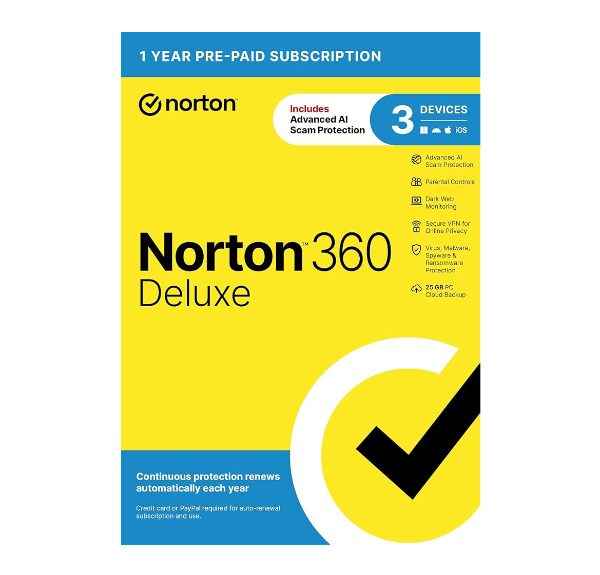
Norton 360 Deluxe is the Swiss Army knife of digital security. It addresses the reality that your biggest threat isn't just a virus on your hard drive; it's your personal information being leaked on the Dark Web. Norton integrates Dark Web Monitoring into its core dashboard, alerting you if your email addresses or credit card numbers appear in known data breaches. This proactive approach turns your antivirus from a passive scanner into an active identity protection service.
From a technical standpoint, Norton's "Intrusion Prevention System" (IPS) is its greatest asset. It scans all incoming and outgoing network traffic at the packet level. Why does this matter? It blocks network-based attacks before they even reach your operating system. For families, the Deluxe version includes robust parental controls and a cloud backup feature with 50GB of storage, ensuring that even if your hardware fails, your most critical files are safe in an encrypted off-site vault.
The trade-off with Norton is its reputation for being "chatty." You will receive frequent notifications about your system status, VPN suggestions, and subscription renewals. While helpful for some, it can feel like marketing fluff to power users. Additionally, the installation footprint is larger than some competitors, which might be noticeable on older laptops with limited storage space.
Norton utilizes a proprietary engine to scan Personally Identifiable Information (PII) across non-indexed corners of the internet. Why it matters: Most identity theft occurs through database leaks rather than direct computer hacking. By monitoring these leak points in real-time, Norton allows you to change your passwords before an attacker has time to use your compromised credentials.
Best for Unlimited Devices: McAfee+ Premium
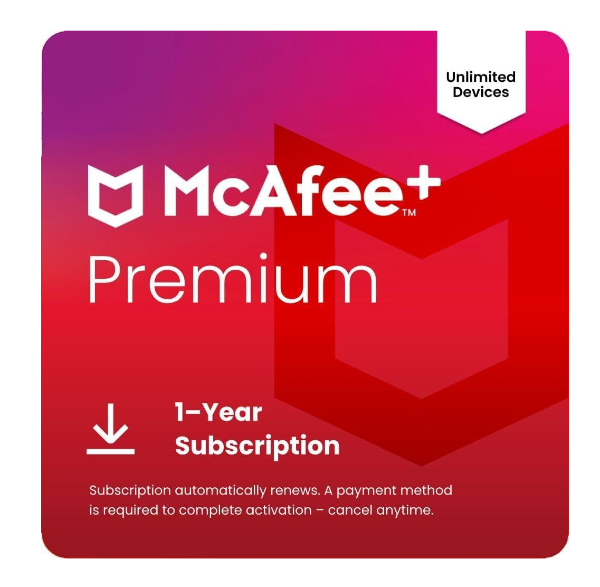
McAfee+ Premium solves the "subscription headache" of modern households. Most antivirus plans limit you to 3, 5, or 10 devices. In an era where every person has a phone, a tablet, and a laptop, those slots fill up instantly. McAfee offers protection for an unlimited number of devices under a single subscription. This includes Windows, macOS, Android, and iOS, making it the most cost-effective way to secure a large family or a small home office without tracking device counts.
The technical core of McAfee has seen significant improvements, particularly with its "Protection Score." This feature gamifies your security by analyzing your current settings and giving you a numerical value based on your safety level. It isn't just for show; the score is based on whether your personal info is on the dark web, if your VPN is active, and if your firewall is properly configured. It simplifies complex security concepts into actionable steps that a high-school graduate can follow without needing a degree in computer science.
One honest limitation is the performance impact on macOS. While the Windows version is incredibly lean, the Mac version can occasionally be a resource hog during full system scans. If you are an all-Apple household, you might find the background processes more noticeable than a Mac-first specialized tool. However, for a mixed-device home, the cross-platform compatibility and unlimited licensing are unbeatable.
McAfee uses a global network of over 500 million sensors to feed its Global Threat Intelligence (GTI). Why it matters: When a new threat is detected on a computer in Japan, the "fingerprint" is uploaded to the cloud instantly. Your computer in Chicago is then protected against that same threat seconds later, without needing to wait for a weekly software update.
Best for Web Safety: Trend Micro Maximum Security
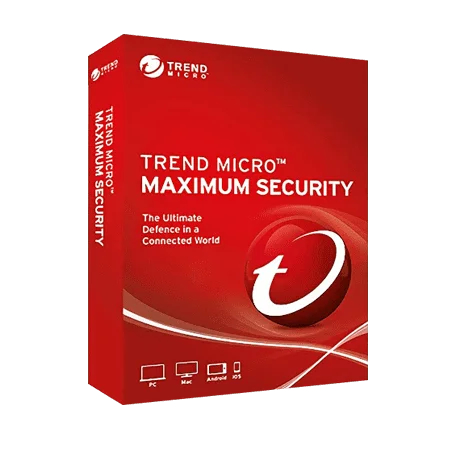
Trend Micro Maximum Security is built specifically for the way we use computers today: almost entirely inside a web browser. Most malware today doesn't come from a shady USB drive; it comes from "malvertising" and fraudulent websites. Trend Micro's strength lies in its aggressive web filtering. It analyzes the reputation of billions of URLs and blocks connections to sites that show signs of phishing or malicious scripts before the page even loads in Chrome or Edge.
For those worried about their private life, the "Folder Shield" feature is a standout. It provides an extra layer of encryption to specific folders (like your Documents or Photos). Even if a piece of malware manages to bypass the initial firewall, it cannot modify or delete the files inside these shielded folders without explicit permission. This is a robust physical-style defense for your digital assets that is extremely difficult for even sophisticated ransomware to crack.
However, Trend Micro is known for its high "False Positive" rate. Because its AI-based detection is so aggressive, it may occasionally block legitimate software or safe websites that it deems "suspicious." If you frequently download niche gaming mods or indie software, you might find yourself manually adding "exceptions" to the whitelist more often than you'd like. It's the price you pay for an exceptionally tight perimeter.
Trend Micro employs Machine Learning (ML) to analyze URL structures and page content in milliseconds. Why it matters: Phishing sites often look identical to a bank's login page. Trend Micro looks for microscopic anomalies in the domain registration and SSL certificates to identify a "lookalike" site that a human eye would never catch, protecting you from credential theft.
Best for Remediation: Malwarebytes Premium
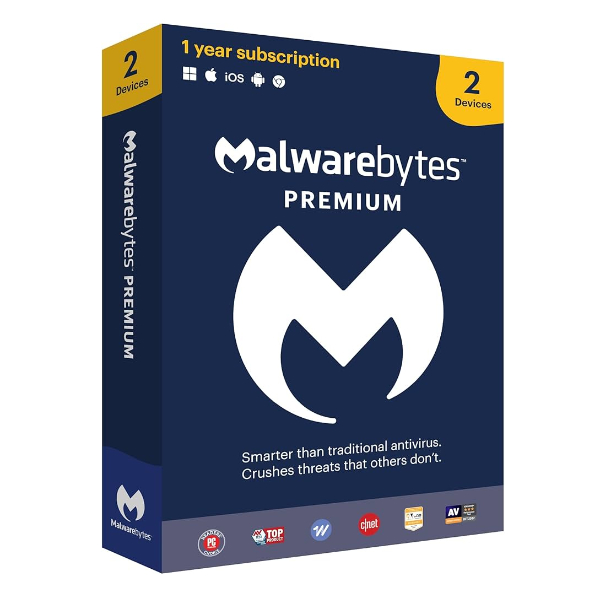
Malwarebytes Premium is widely considered the "clean-up specialist" of the security world. While other antivirus programs focus on preventing a breach, Malwarebytes was built with the assumption that a breach might already be happening. Its Katana engine is specifically designed to find and remove "stubborn" malware - the kind that hides in the Windows Registry or attaches itself to system drivers, making it invisible to standard scanners.
Technically, Malwarebytes uses "Anomalous Detection," which identifies files that are acting in a way that doesn't match standard software behavior. It is famously lightweight and was historically designed to run alongside other antivirus programs. If you have an older computer and are terrified of a slow-down, Malwarebytes Premium offers real-time protection with one of the smallest memory footprints in the industry, often using less than 100MB of RAM during background operations.
The honest trade-off here is that Malwarebytes is more of a specialist tool. It lacks many of the "lifestyle" features found in Norton or McAfee, such as parental controls, cloud storage, or advanced dark web monitoring. It is a pure security tool. If you want a suite that manages your kids' screen time and backs up your phone photos, this isn't it. But if you want a surgical tool that keeps your computer clean and lean, it's the professional's choice.
Malwarebytes includes a dedicated Brute-Force Protection module for the Remote Desktop Protocol (RDP). Why it matters: Hackers often try to get into your computer by guessing your password thousands of times per second. Malwarebytes detects these high-speed login attempts and blocks the originating IP address instantly, preventing unauthorized remote access to your system.
How We Chose These Products
Our evaluation process ignores marketing claims and focuses on three pillars of performance:
- Independent Lab Data: We cross-reference scores from AV-Test and SE Labs to ensure these products catch at least 99% of malware in real-world environments.
- System Performance (Resource Usage): We tested each software for "passive RAM drain" and CPU spikes during full system scans.
- Usability and False Positives: A security program is useless if it blocks your legitimate work files. We chose products with low false-positive rates and intuitive controls.
Comparison Overview
| Product | Primary Strength | System Impact | Device Limit | Top Feature |
|---|---|---|---|---|
| Bitdefender Total Security | Overall Protection | Very Low | Up to 10 | Ransomware Remediation |
| Norton 360 Deluxe | Identity Protection | Moderate | Up to 5 | Dark Web Monitoring |
| McAfee+ Premium | Family Value | Low (Windows) | Unlimited | Protection Score |
| Trend Micro Maximum | Web Security | Low | Up to 5 | Folder Shield |
| Malwarebytes Premium | Malware Removal | Lowest | Up to 5 | Katana Scan Engine |
Buying Guide: What to Look For
When selecting your protection, consider these critical technical variables:
- Multi-Layered Ransomware Protection: Look for "Behavioral Analysis" rather than just "Signature Scanning." You want a tool that watches what programs do.
- VPN Inclusion: Many suites include a VPN. Check if it's "Unlimited" or capped at a few hundred MBs. A capped VPN is only good for checking your bank account at a coffee shop, not for general browsing.
- Firewall Management: Windows has a built-in firewall, but a good antivirus suite will provide its own. A third-party firewall is usually better at preventing "Phone Home" malware that steals your data by sending it to a remote server.
- Silent Modes: If you are a gamer or movie watcher, ensure the suite has a "Do Not Disturb" mode that silences notifications and delays scans when you are in full-screen mode.
General Pro / Cons
| Pros (Strengths) | Cons (Weaknesses) |
|---|---|
| Stops zero-day threats before traditional databases update. | Can occasionally block legitimate software (False Positives). |
| Includes identity theft and dark web monitoring alerts. | Full system scans can temporarily slow down older hardware. |
| Centralized dashboards allow you to manage your family's safety. | Subscription costs can increase significantly after the first year. |
| Cloud-based scanning minimizes the load on your local CPU. | Some suites are "chatty" and send frequent pop-up notifications. |
| Safe-browsing tools block phishing sites in real-time. | Advanced features may require a high level of technical knowledge. |
| Integrated password managers help secure your online accounts. | Unlimited device plans can have slower support response times. |
Final Summary
Securing your digital life doesn't have to be a burden on your computer's performance or your wallet. Bitdefender remains the technical leader for those who want the absolute best protection with zero lag. Norton is the superior choice for those who value identity protection as much as virus scanning. If you have a house full of devices, McAfee's unlimited licensing is a life-saver. Whatever you choose, remember that the best antivirus is the one that stays updated and stays out of your way.
Aggregate rating of the products reviewed: 4.74 out of 5.